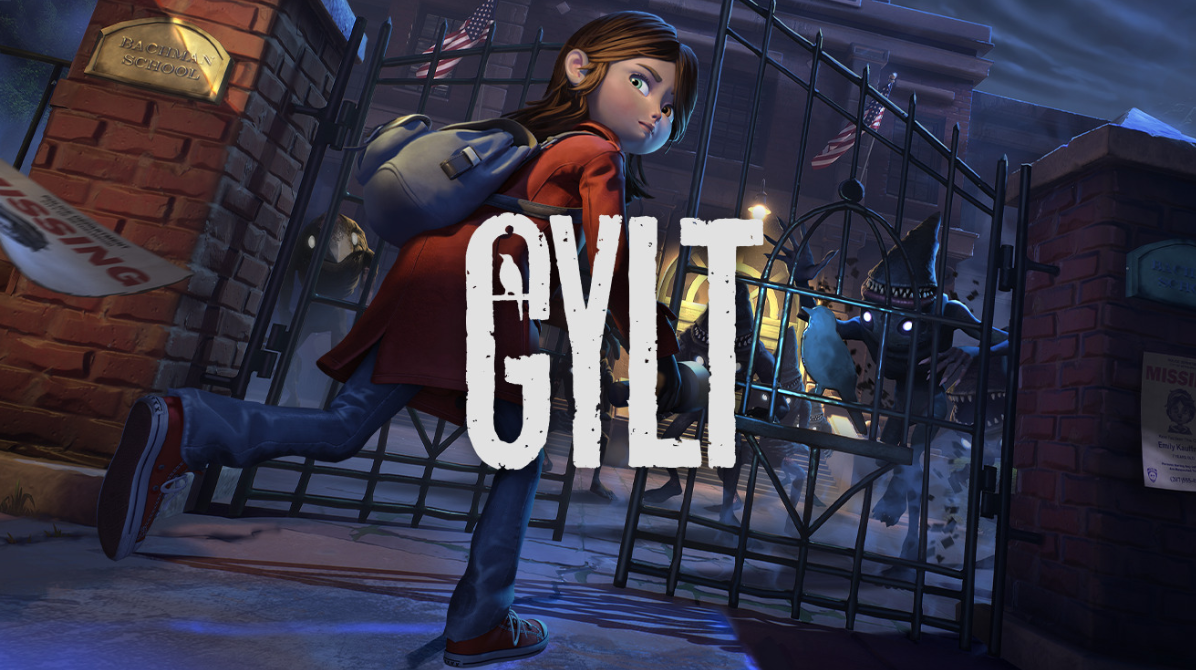
In this project I ported GYLT game from the Stadia platform to all platforms available at that moment (PS4, PS5, Xbox One, Xbox Series, Steam (And deck verified), Switch and GOG).
My responsibilities included bug fixing, integrating platform-specific features (such as achievements, activities, and save system fixes), and optimizing performance across all platforms. Development followed a staged approach: we began with PS4 and Xbox One, then moved on to PS5, Xbox Series, Steam/GOG, and finally Nintendo Switch.
While I can’t discuss platform-specific code details for legal reasons, I can outline the general optimization strategies we applied to ensure smooth performance.
One of the first challenges was upgrading the project from Unreal Engine 4.18 to 4.27, which was necessary to support updated platform SDKs and pass console certification requirements. The upgrade itself was relatively straightforward, but several bugs emerged during QA and certification testing that required additional fixes.
After the upgrade, I created a Platforms folder within the Unreal project and implemented platform-specific configuration files, allowing us to generate a Device Profile per platform.
Device Profiles enabled us to define scalability and quality parameters based on each platform’s hardware capabilities. These profiles also allowed us to set platform-specific frame rate caps:
- 30 FPS on PS4, Xbox One and Switch
- 60 FPS on PS5 and Xbox Series
We chose not to implement performance/quality modes on next-gen consoles, instead prioritizing a consistent and stable 60 FPS experience.
Profiling the game using Unreal Insights revealed several performance-heavy features that required optimization. Some of the key adjustments included:
- Reducing the volumetric fog grid size
- Enabling separate translucency and lowering its resolution (half resolution)
- Configuring dynamic resolution scaling with a target frame rate
Another significant performance issue came from the use of dithered LOD transitions on foliage meshes. While this technique provides smoother visual transitions, applying it to large-scale instanced foliage caused severe performance hits. During transitions, both the previous and next LODs were rendered simultaneously, leading to excessive overdraw and GPU cost. This resulted in noticeable hitches in open areas and aggressive drops in dynamic resolution.
After evaluation, it became clear that the visual cost of resolution drops outweighed the benefits of smooth LOD transitions, so this feature was disabled for foliage.
Finally, I replaced background tree meshes with billboard trees. Given the game’s heavy reliance on dense fog and its clearly defined playable areas, this change had minimal visual impact while providing a significant performance boost:

To avoid visual artifacts, I kept real geometry trees near the gameplay areas, ensuring that players would not notice the transition or the use of billboards in the background.
Another major performance improvement came from the introduction and proper configuration of Cull Distance Volumes, along with carefully setting maximum draw distances for lights. These changes significantly reduced the number of rendered objects and dynamic lighting calculations, especially in large or dense scenes.
Configuring these systems can be tricky during editor workflows, as aggressive culling often causes noticeable popping when freely flying through the level in the editor:

However, by tuning the distances based on actual gameplay camera positions and traversal paths, we were able to minimize visible popping during play while still achieving substantial performance gains:

As shown, the popping is barely noticeable from the player’s perspective. Even if some artifacts can be perceived in the GIF, it is important to note that lighting and fog were disabled to make the issue easier to visualize. Under normal gameplay conditions, these transitions are effectively hidden.
This culling process was applied across all levels, which significantly reduced render thread overhead, particularly by drastically lowering the cost of the InitViews stage. Unreal Engine filters meshes using three occlusion tests, ordered from cheapest to most expensive:
- Distance culling (cheapest)
- Camera frustum culling
- Occlusion culling (most expensive)
By aggressively culling meshes by distance, the engine executes far fewer occlusion queries, resulting in substantial performance gains.
We also improved animation performance by:
- Creating skeletal mesh LODs
- Removing small bone chains at distance
- Reducing the animation update rate for distant characters to half the frame rate
These changes helped lower animation thread cost without noticeable visual degradation.
Another performance bottleneck was found in materials that relied heavily on procedural noise nodes, which are particularly expensive on consoles. To address this:
- Noise was baked into textures
- These textures were applied using triplanar mapping
Visually, the result was nearly identical, but performance improved noticeably, especially on lower-end hardware.
In some specific areas, additional performance problems appeared. To accurately diagnose them, I:
- Disabled dynamic resolution (critical for profiling, as it can mask performance issues)
- Enabled CPU, GPU, memory, and render thread traces
- Used Unreal Insights to identify bottlenecks
Some of the issues discovered and fixed included:
- Underground levels with lights still active while the player was above ground:
Lights were moved to a separate level and unloaded when not needed. - Lights with excessively large radii used for volumetric effects but only visible from specific rooms:
These lights were disabled when outside the player’s view. - Instanced meshes grouped into large blocks with oversized occlusion bounds:
Instances were split into smaller chunks to improve occlusion accuracy. - Large modular buildings visible from long distances:
Converted to HLODs to reduce draw calls and CPU overhead.
From a code perspective, the engine upgrade and console ports introduced several bugs that had to be resolved in a platform-agnostic way. Some examples include:
- Game configuration data was stored in non-writable config files on consoles:
Implemented a SaveGame-based configuration system (language, camera sensitivity, etc.). - Puddle decal collisions were broken on consoles:
Investigated and reimplemented the affected functionality. - When packaging with IOStore, localization stopped working:
Required engine-level investigation and engine code changes. - Enemies stopped animating when not visible on screen:
Likely introduced during the engine upgrade or animation tuning; fixed after investigation. - Numerous smaller bugs were identified and resolved throughout development.
This summarizes most of the work I carried out on PS4, PS5, Xbox One, Xbox Series X|S, Steam, and GOG (though some details may be missing).
Our main performance bottleneck on the Nintendo Switch was the cost of dynamic lights and shadows. To address this, we converted a large number of lights to static and baked their shadows wherever possible.
While this significantly improved performance, it introduced a new issue: character integration with the environment felt noticeably weaker, as characters no longer received convincing dynamic shadows. To solve this, we used capsule shadows to provide a lightweight, dynamic shadowing effect for characters when moving through statically lit areas:

The effect is more noticeable in movement, but it creates soft shadows around the foots and arms. This technique was also applied on enemies.
Keeping the flashlight shadows was a headache as it heavily affected performance. However, since they were considered a key visual element by Tequila, we worked to optimize them rather than remove them. To achieve this, we:
- Disabled dynamic shadows on small, non-critical objects
- Reduced the shadow map resolution
- Slightly narrowed the cone angle
- Shortened the light length, compensating by increasing its intensity to preserve similar visuals
In open areas, performance issues were still present, mainly due to the cost of volumetric fog. We ultimately decided to remove it, as it consumed a large portion of the render time. This caused the loss of visible light cones, so to compensate, we faked the effect using translucent cone meshes that smoothly fade out near the camera. This approach preserved the visual mood while significantly reducing rendering cost.

Volumetric fog was enabled only on interior levels, where it contributed significantly to the atmosphere and its performance cost was more manageable.
Beyond lighting optimizations, I carried out a broad set of performance improvements across the project:
- Tweaked LOD distances and LOD bias globally to better match each platform’s performance budget
- Reduced several very high-poly meshes, and in some cases also reduced their placement density across levels to lower overall triangle count
- Enabled “Use Attach Parent Bounds” on complex Blueprint actors composed of multiple mesh components. This allowed stationary lights to cast shadows using a single shadow frustum per actor, instead of one per primitive component, significantly reducing shadow rendering cost
- Created and applied platform-specific post-process configurations to reduce per-pixel cost
- Optimized a large number of particle effects, mainly by reducing spawn rates to limit translucent overdraw, which had a noticeable impact on GPU performance
This represents an overall breakdown of the work I carried out during this port. I believe we achieved a strong result across all platforms, delivering excellent performance while preserving visual quality, and it is a project I am particularly proud of.
Deja un comentario